
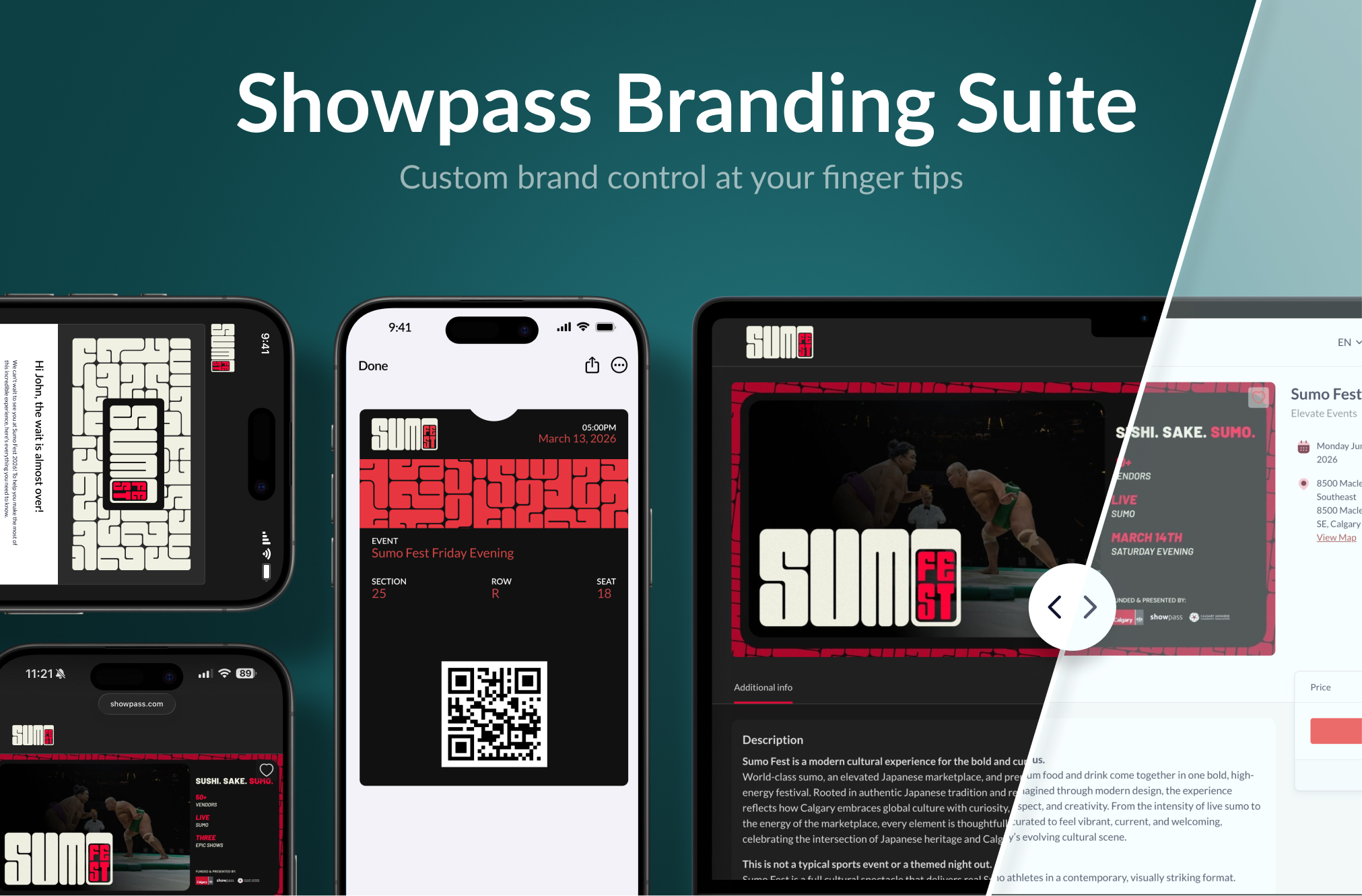
The Showpass Branding Suite is your central place to control how your brand appears across every customer touchpoint on Showpass — from event pages and checkout, to wallet passes and transactional emails. Set it once, and your brand identity flows everywhere your customers interact with your events. The Showpass Branding Suite covers three key areas:
Your event pages and checkout now reflect your brand - not a generic ticketing template.
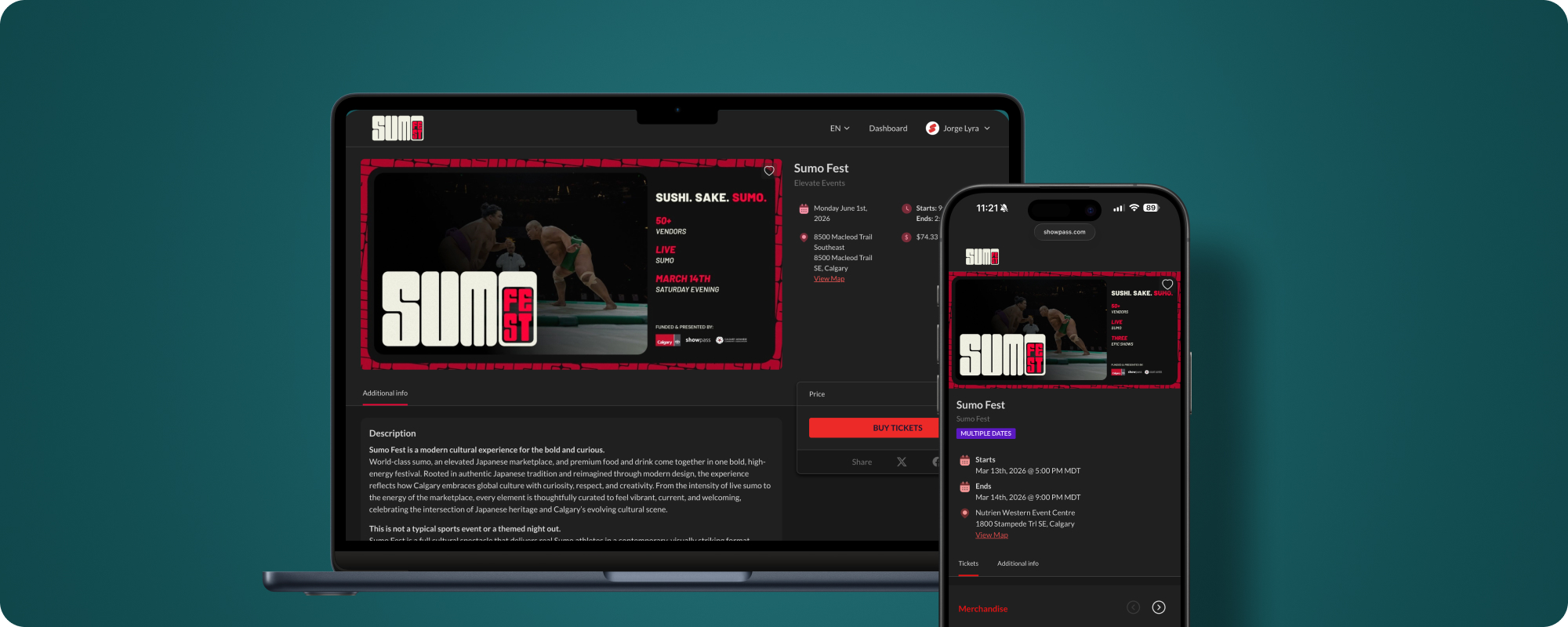
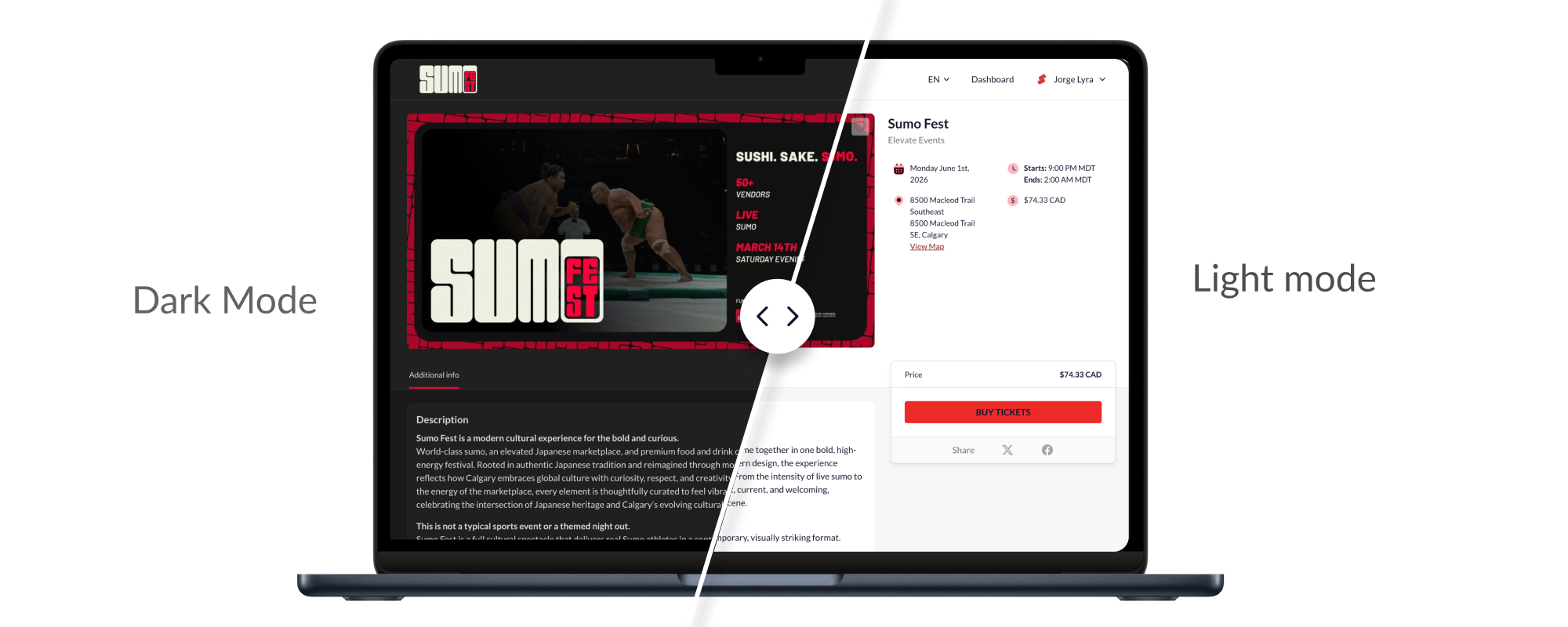
Choose whether your event pages render in light or dark mode. This setting is controlled by you, so every visitor sees the experience you designed.
Set primary and secondary colours using hex codes or the colour picker. Your colours are applied across buttons, links, accents, and interactive elements throughout the event page and checkout. Showpass automatically enforces accessibility contrast to keep everything readable.
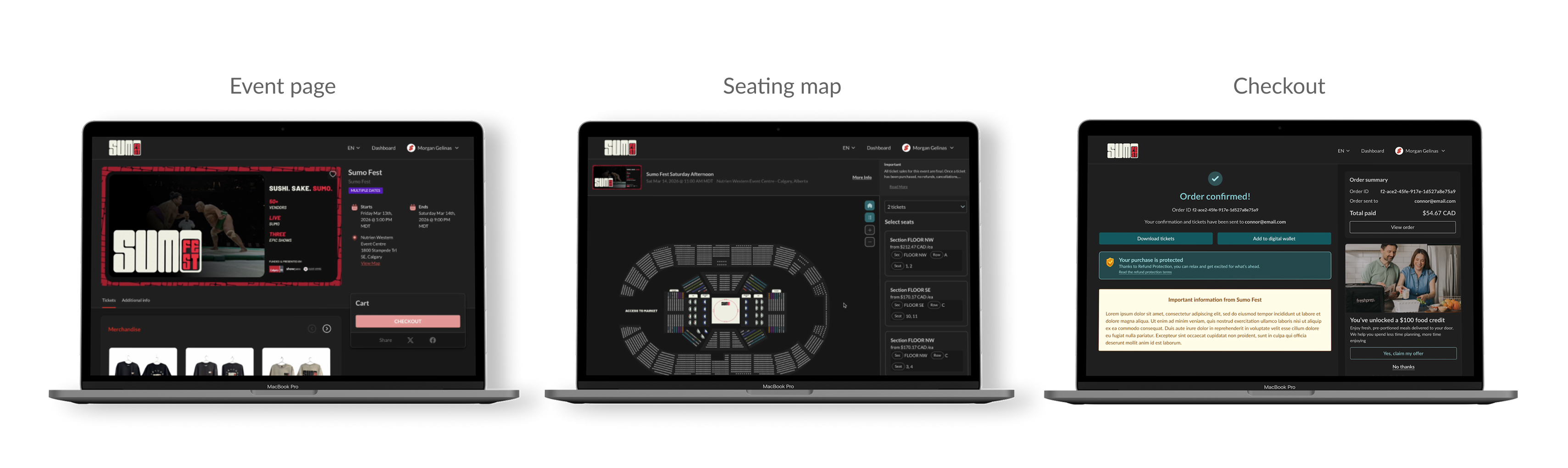
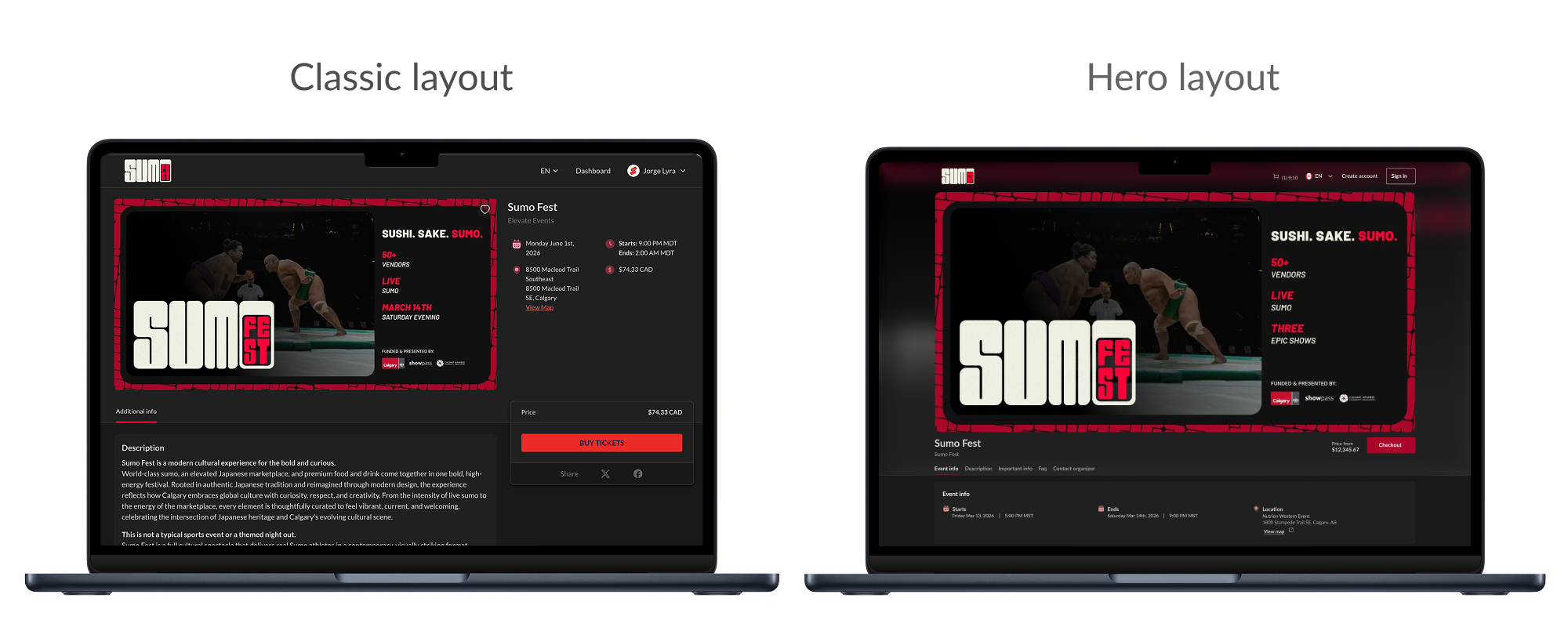
Choose between two page layouts:
Customize how your Apple Wallet and Google Wallet passes look when attendees add them to their phones.
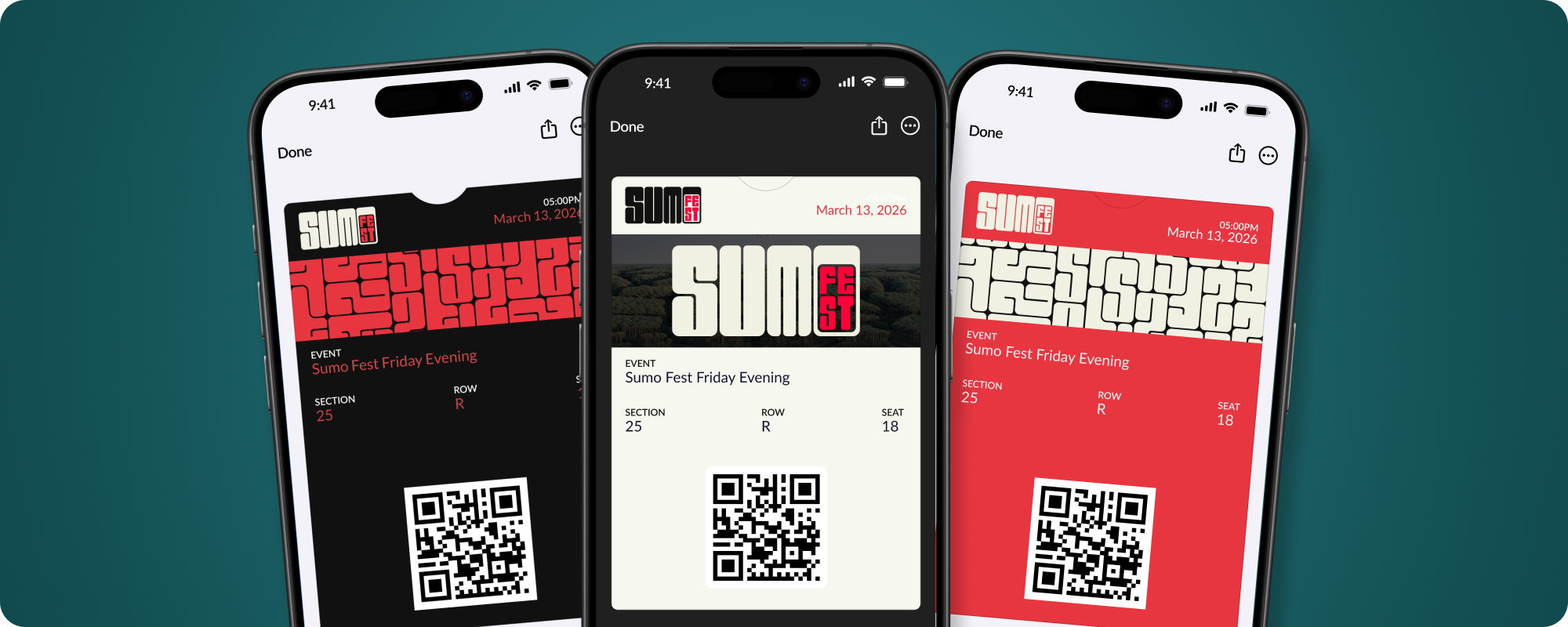
Upload your logo, icon, and strip image to replace default Showpass assets on your wallet passes. Your attendees see your brand every time they open their wallet — before, during, and after the event.
Set background, text, and label colours to match your brand palette. Your passes stand out in the wallet and reinforce brand recognition.
Take advantage of Apple’s latest wallet capabilities:
Wallet customization can be applied at multiple levels — venue-wide, per event, per ticket type, per product, or per membership level. This means you can use your standard branding across most events and create special pass designs for premium experiences or flagship events.
Make every transactional email look and sound like it’s coming from you, not from Showpass.
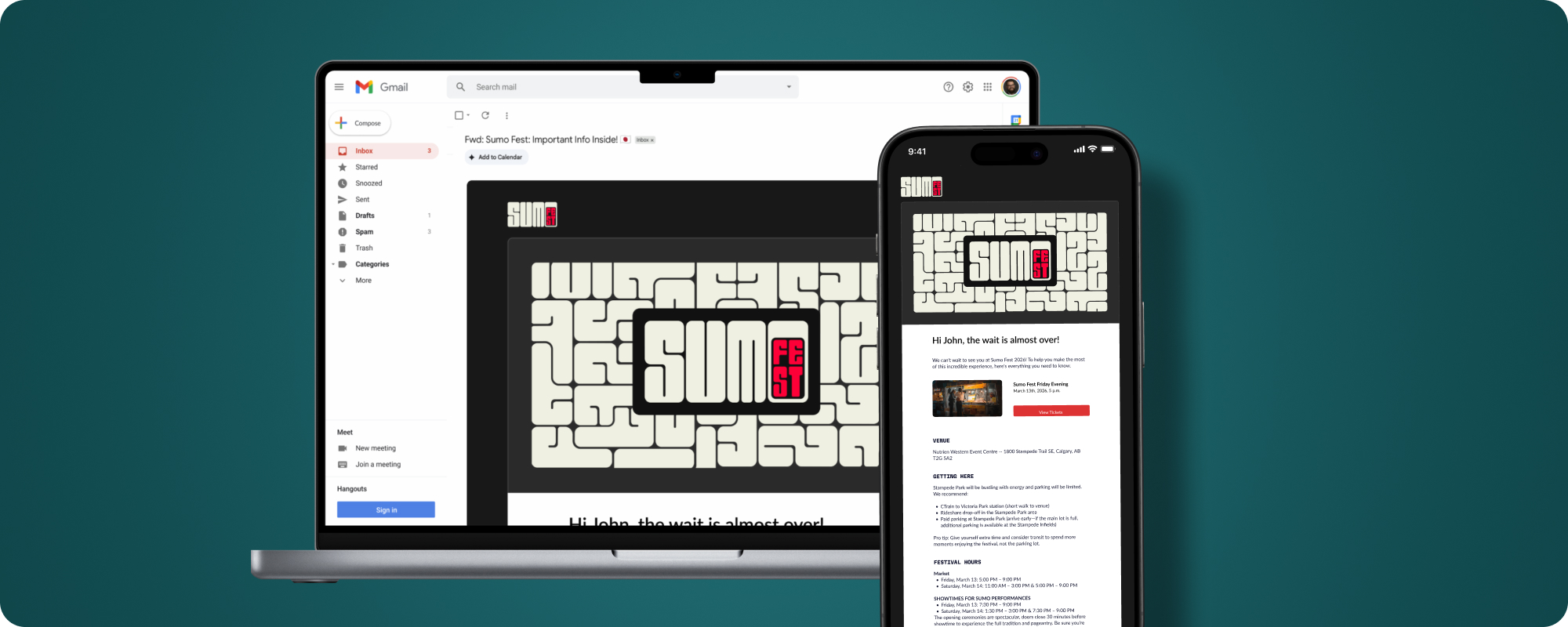
Configure your sender name and reply-to email address so your customers see your brand in their inbox — not a generic platform address.
Your organization logo, header image, brand colours, and fonts are automatically applied to all transactional emails. When buyers receive a purchase confirmation or event reminder, it looks like it came directly from you.
Go further with per-email-type customization. For each of the following email types, you can set a custom subject line, banner image, and rich-text message:
Send yourself a preview email to see exactly what your customers will receive before going live. Adjust your subject, banner, and message until it’s perfect.
We’d be happy to walk you through the setup, get your branding configured, and turn it on for your events.
Feature availability may vary based on your subscription plan.
Have questions? Submit a request — our team is happy to help!
