What It Is
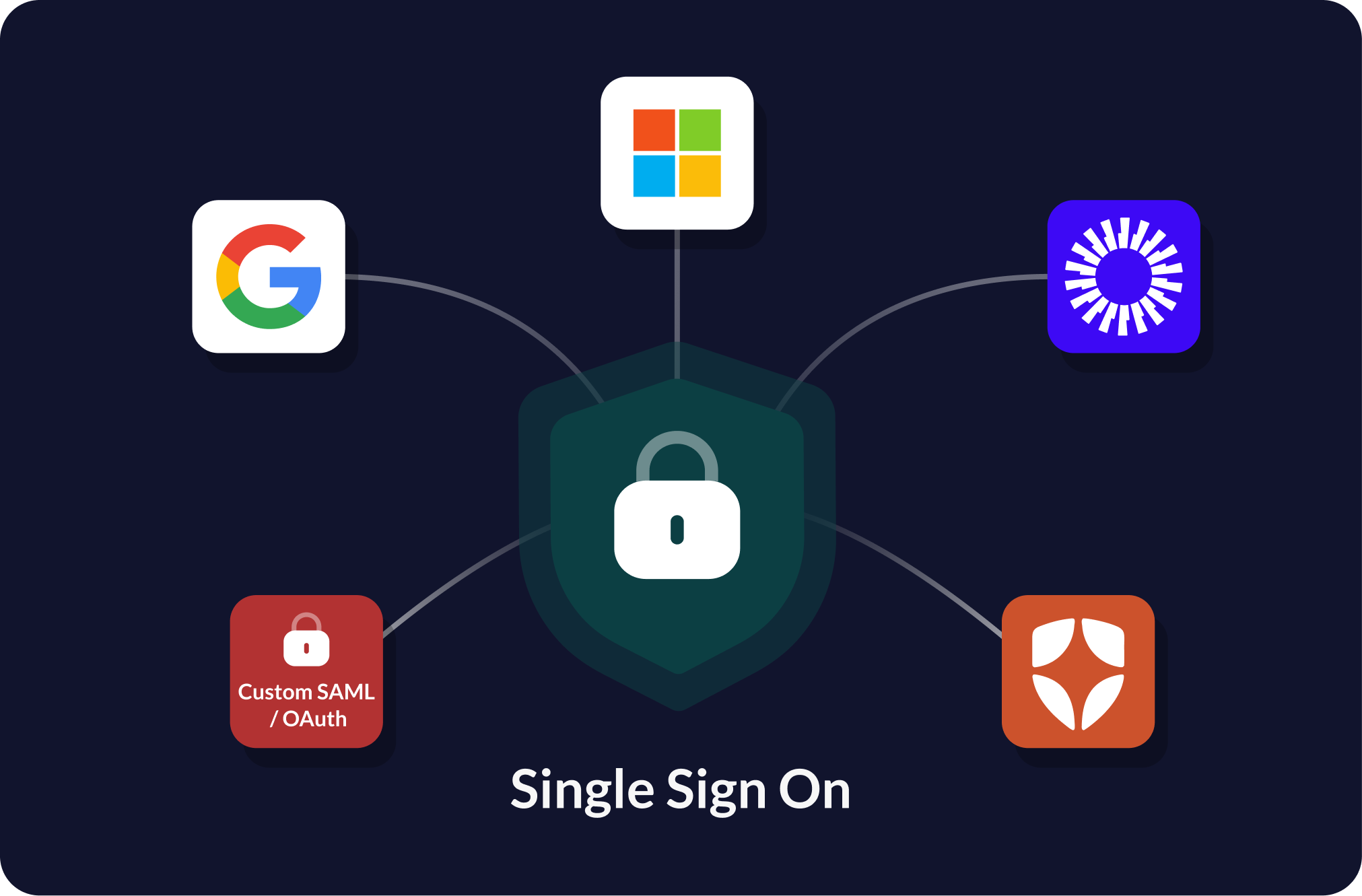
Single Sign-On lets organization staff sign into Showpass using their company identity provider instead of a separate Showpass password.
A user enters their work email, and Showpass detects whether that email domain has SSO configured. If it does, the user is redirected to their company login page. After successful authentication, they return to Showpass signed in.
This feature currently supports SAML SSO, a common enterprise login standard used by identity providers such as Microsoft Entra ID, Google Workspace, Okta, OneLogin, Ping Identity, ADFS, and other SAML 2.0 compatible providers.
Why
SSO makes Showpass easier and safer for organizations to manage. The main product value is:
- Staff do not need to remember another password.
- Organizations can enforce their own login policies.
- Access is easier to manage when staff join, leave, or change roles.
- Support burden is reduced for password resets and login confusion.
Capabilities
The current SSO experience supports:
- Work-email based discovery, where users enter their email and Showpass determines whether SSO is configured for that domain.
- Organization-specific login routing, so each customer can have its own SSO configuration.
- Web and mobile login support.
- Automatic user creation when a valid SSO user signs in for the first time.
- Existing user matching by email.
- Configurable identity provider settings through backend/admin configuration instead of hardcoded one-off logic.
- Secure one-time login exchange after the identity provider confirms the user.
- Popup/browser-based login on web and in-app browser/deep-link login on mobile.
Providers Offered
The implementation is SAML-based and provider-agnostic, meaning Showpass supports enterprise SAML SSO.
Supported providers include:
- Microsoft Entra ID
- Google Workspace
- Okta
- OneLogin
- Ping Identity
- ADFS
- Other SAML 2.0 compatible providers
Need help setting up SSO?
Contact Showpass Support and our team can help you get started.